 Majal
MajalConstruction
From portfolio to plan
See commercial control, field delivery, BIM and the readable 2D plan viewer in one flow.
Construction & facilities management
Every variation starts as something that happened on site. Majal keeps the bill of quantities, the variation and the payment certificate on the same database as the RFI, the snag and the work order behind them — so the commercial position always traces back to the work, from tender through handover and into operation.
Short walkthroughs for construction and facilities teams.
Construction
See commercial control, field delivery, BIM and the readable 2D plan viewer in one flow.
Facilities
Connect locations, QR/NFC tags, preventive maintenance, work orders and service levels.
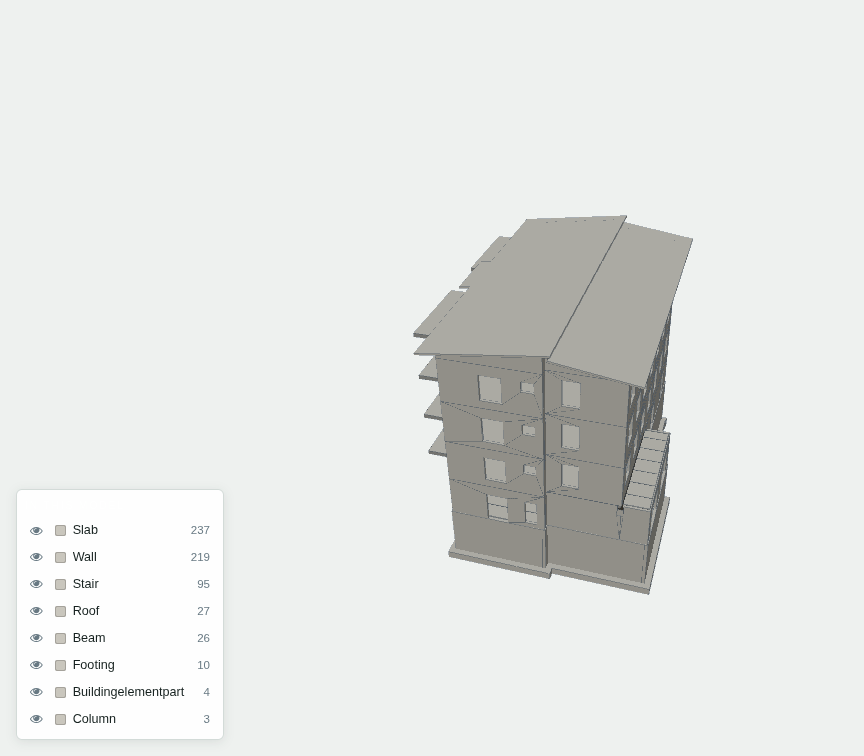
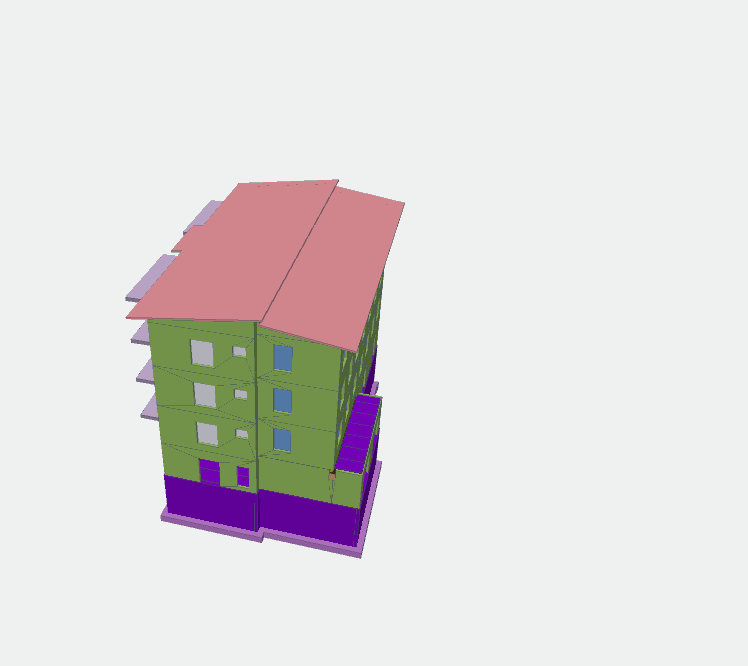
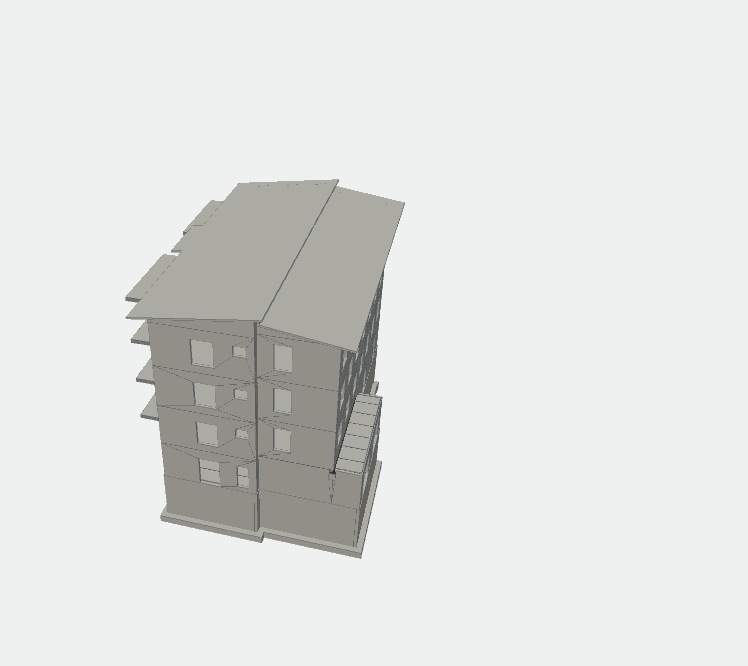
Authoring tools export a colour per object class. Open a real structural model and you get confetti. Majal draws one material and the edges instead — then colours only when you ask a question.
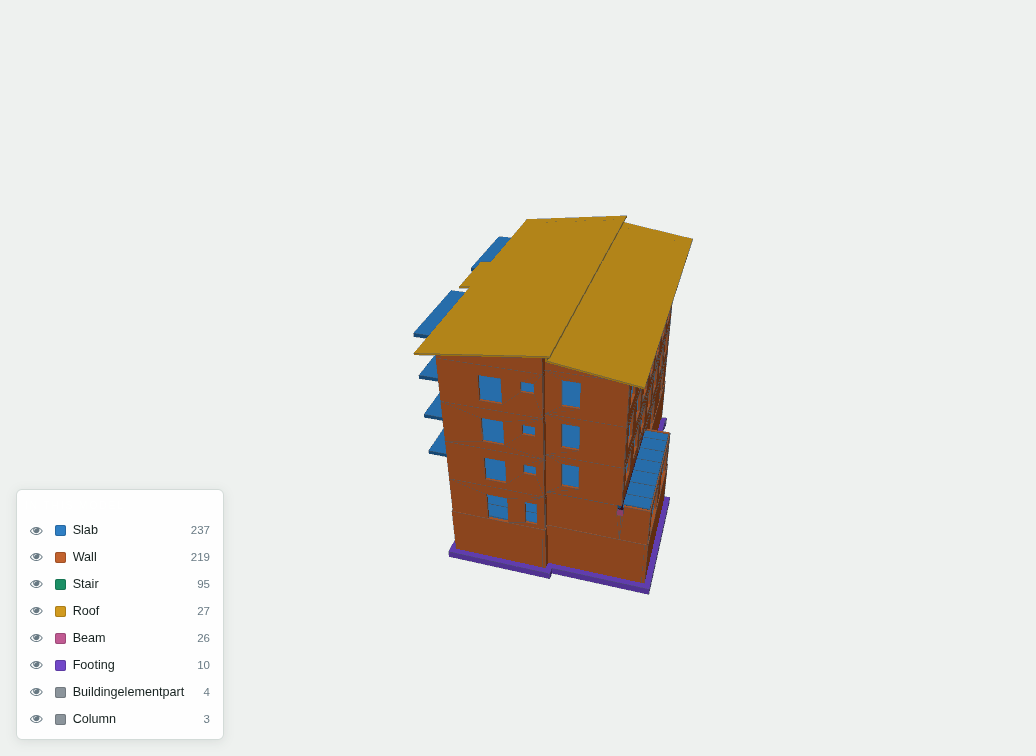
Six screens that carry most of the work. Each one is real — these are captures from a running system.
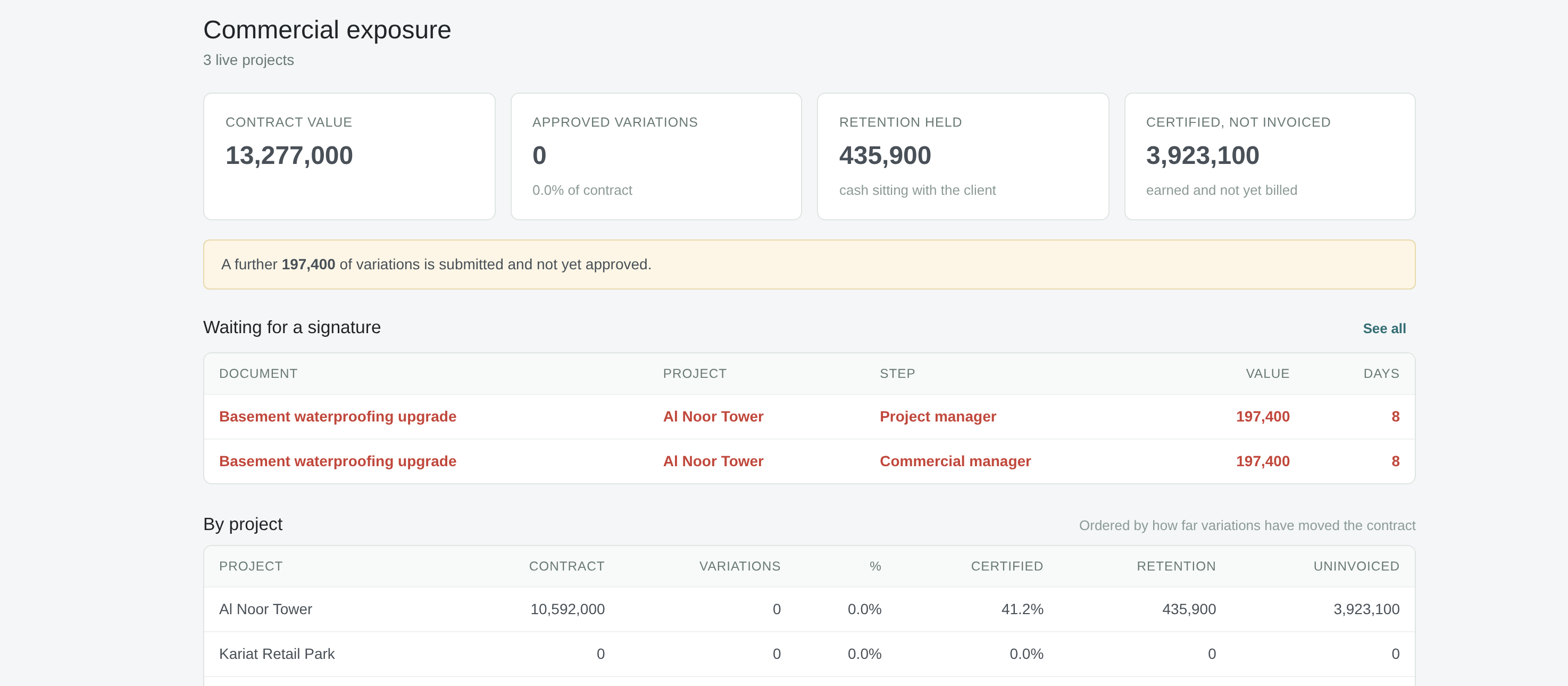
Commercial control
Contract value, variations, retention held and work certified but not yet billed — across every project, on one screen.
Retention is cash sitting with your client; certified-not-invoiced is work you have earned and not yet asked for. Both are usually discovered at month end from a spreadsheet. Here they are a live figure per project, ordered by how far variations have moved the contract.
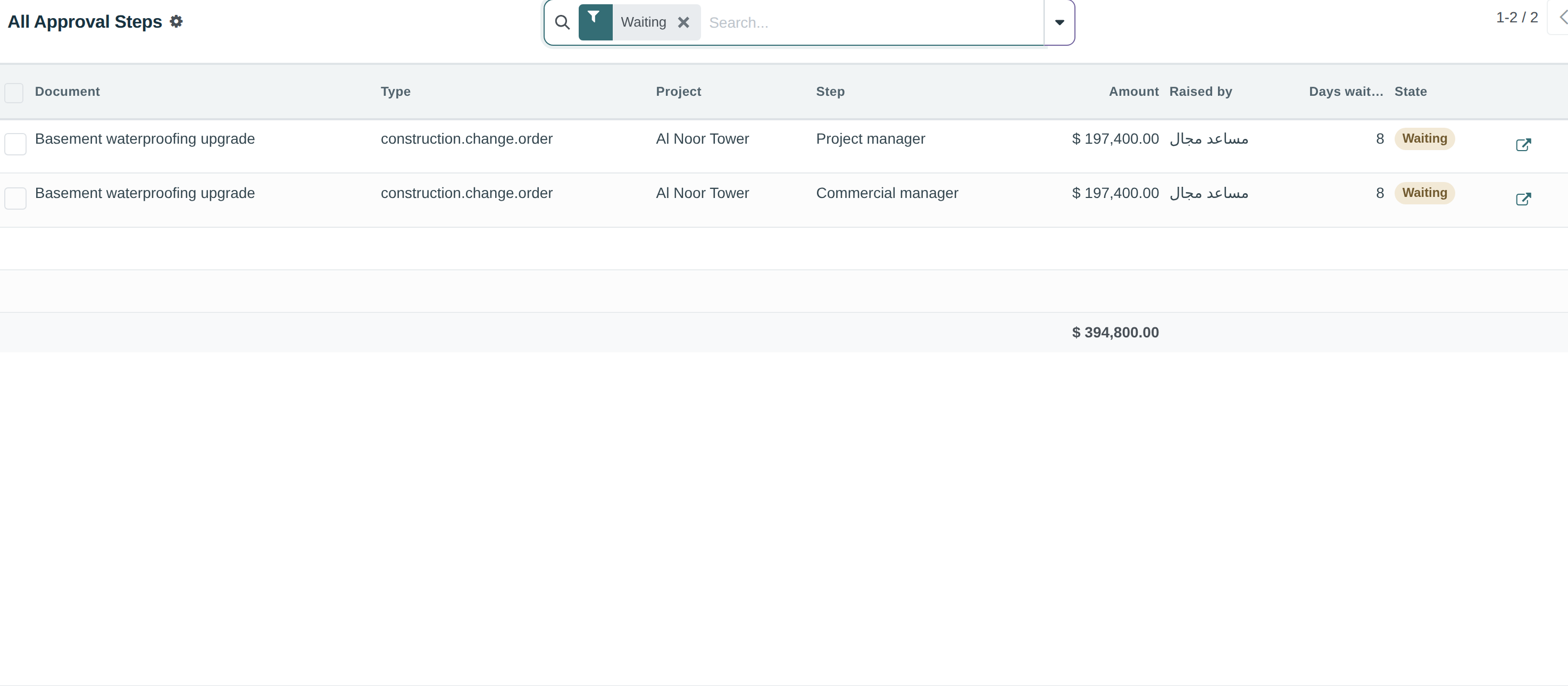
Approvals
Every document waiting on you — variation, claim, permit — in a single list with the value at stake.
Rules are thresholds: below a figure one signature, above it three. The check runs on the server rather than on whether a button was drawn, so it holds whether the request came from the screen, a script or the API. An approver going on leave hands over their own authority and nobody else's.
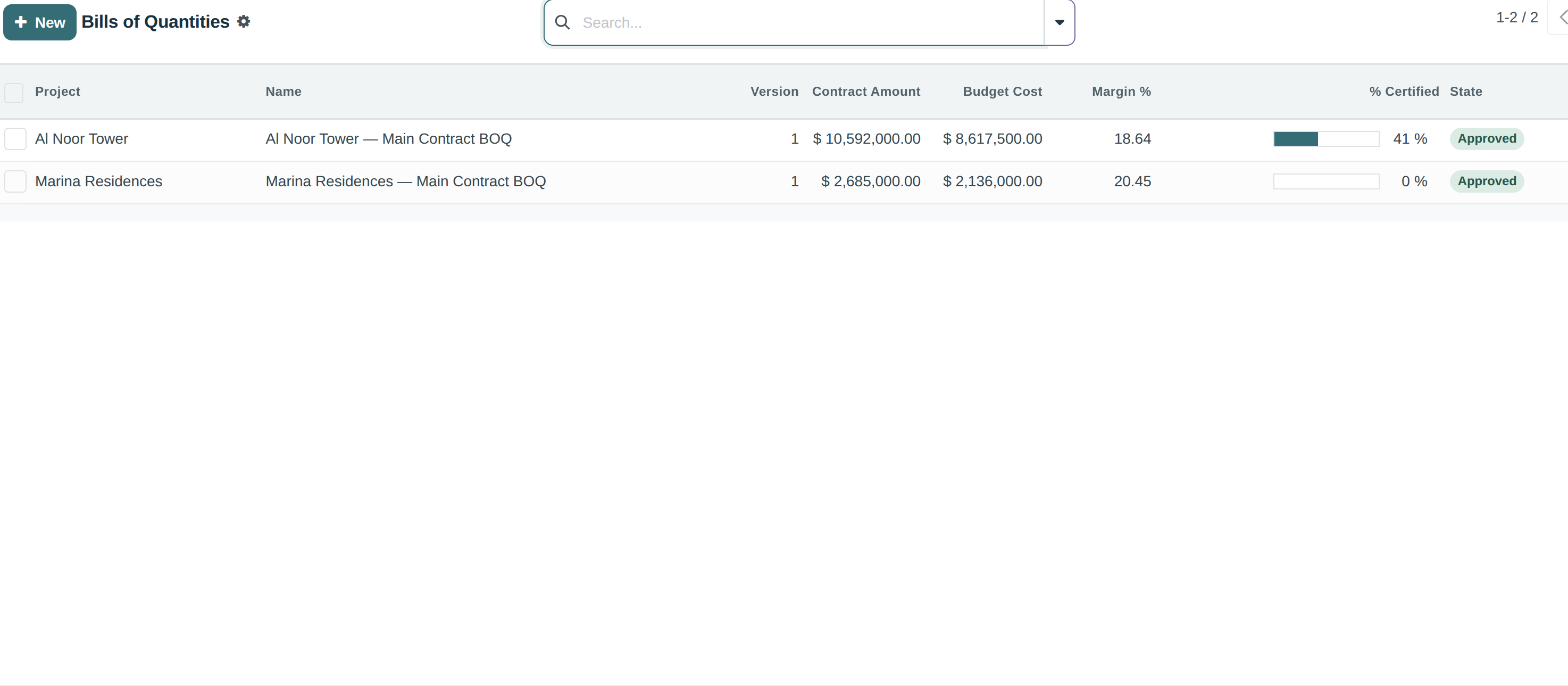
Cost planning
Sections and lines with sell and cost side by side, so margin is visible before the job starts.
Approved variations append to the bill as new lines rather than editing the original, so the contract value moves and the audit trail survives. Certified quantities write back from each payment certificate, which is what makes cost value reconciliation possible without a second spreadsheet.
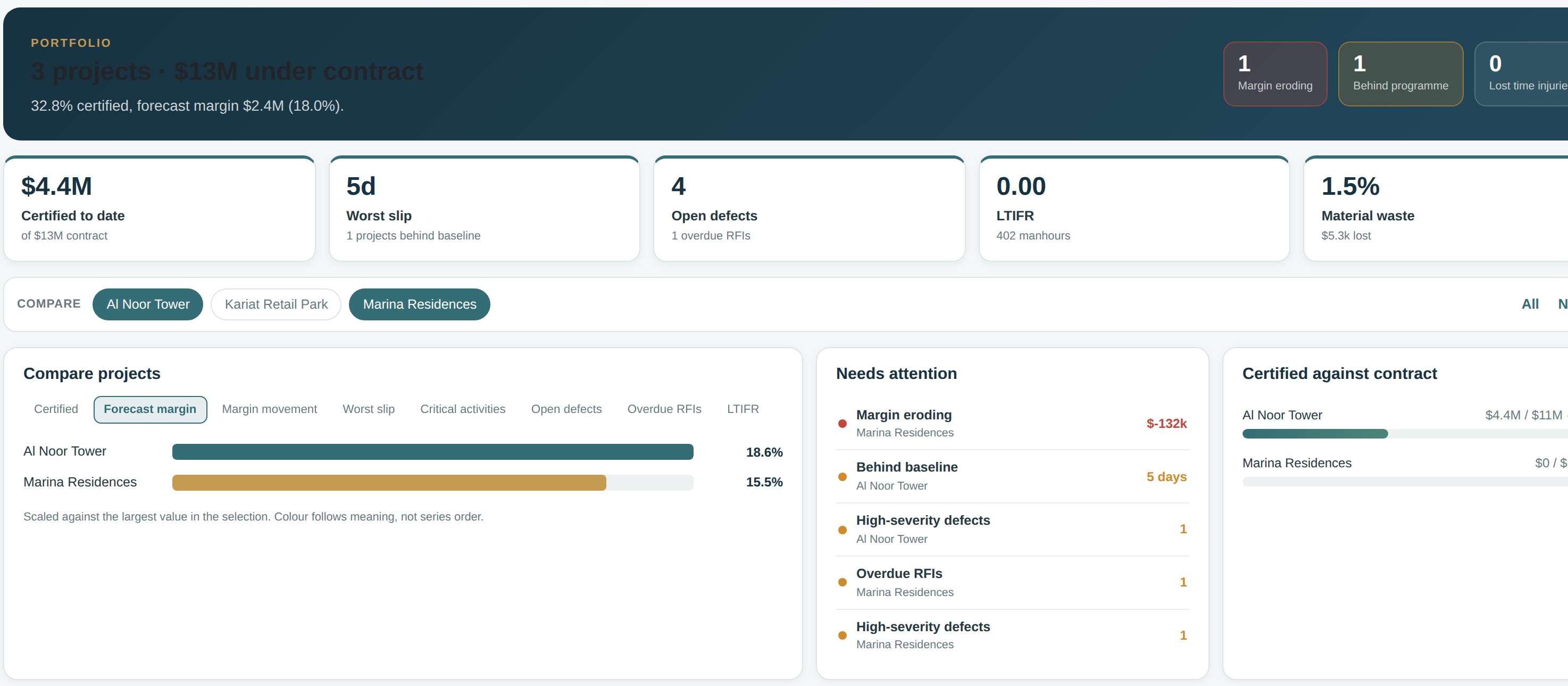
Executive overview
Live projects, contract value and percentage certified, programme slip, open defects, SLA breaches.
Each figure is a door: the dashboard leads straight into the records behind it, filtered by your company and your role. There are separate views for an owner, construction operations, facilities and commercial, because those four people are not asking the same question.
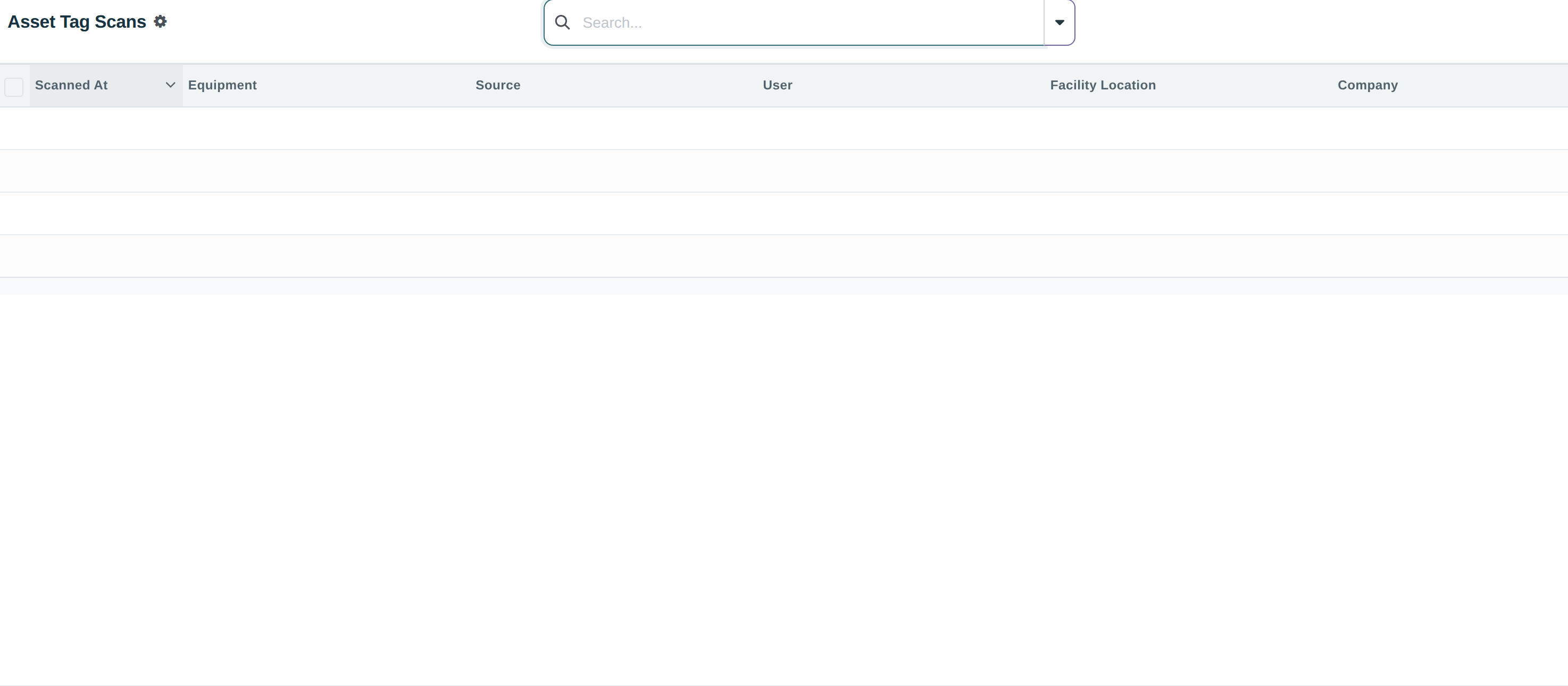
Facilities
Every asset carries a QR and NFC tag. Scan it on site and you are on its record.
The tag holds a secret token rather than a database id, so a sticker cannot be guessed at or moved onto another asset, and it can be rotated if a batch of labels goes astray. Scans are recorded — who, when, from which tag — which turns a sticker into evidence that somebody actually attended.
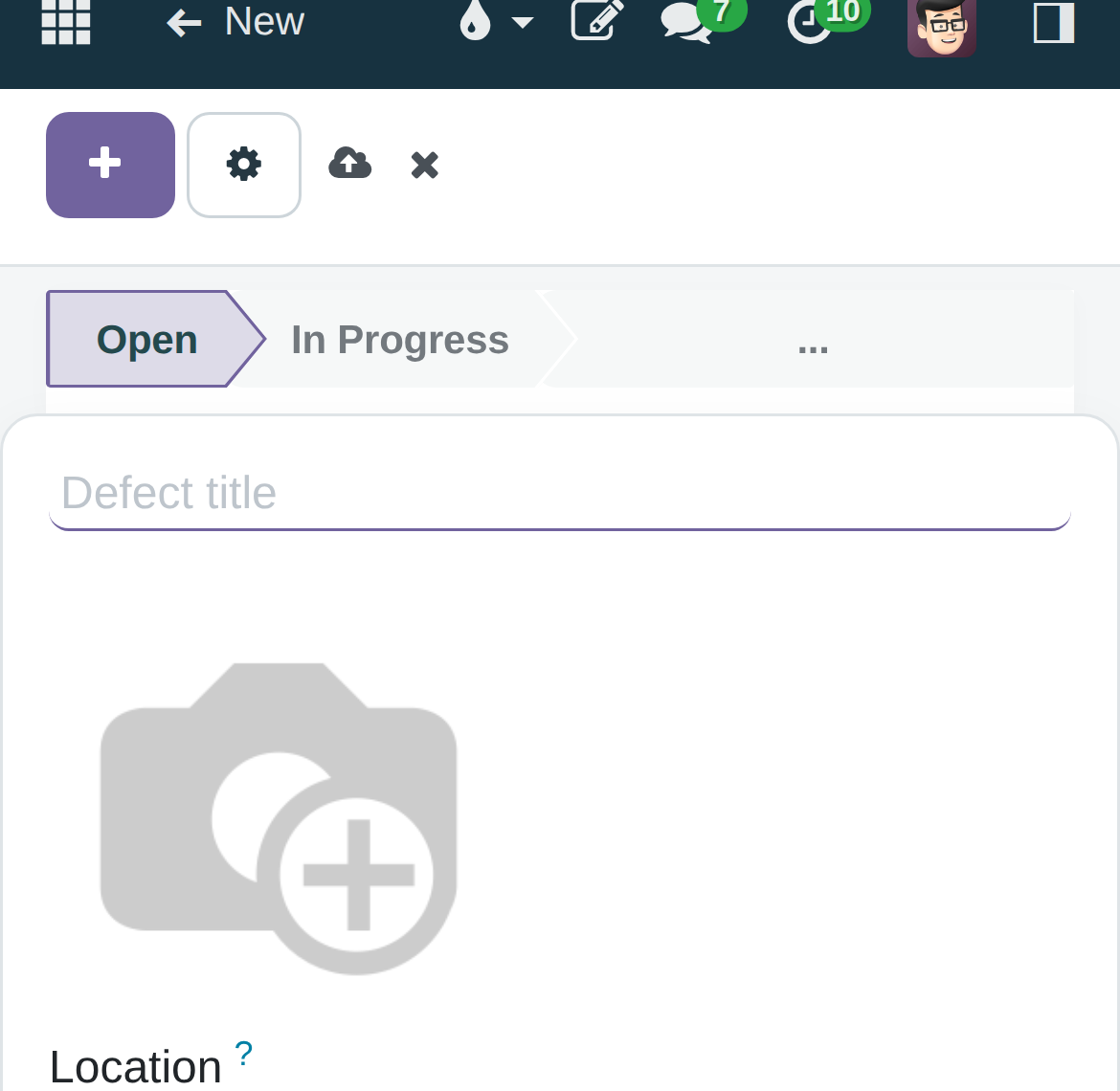
Mobile fieldwork
Raising a snag is a photo, a location and a severity — one screen, no scrolling.
The photo comes first because it is what you walked over to take. Everything decided later — who fixes it, by when, under which trade — is a tab away, where it costs the office nothing and the site nothing. Installs to a home screen as its own app.
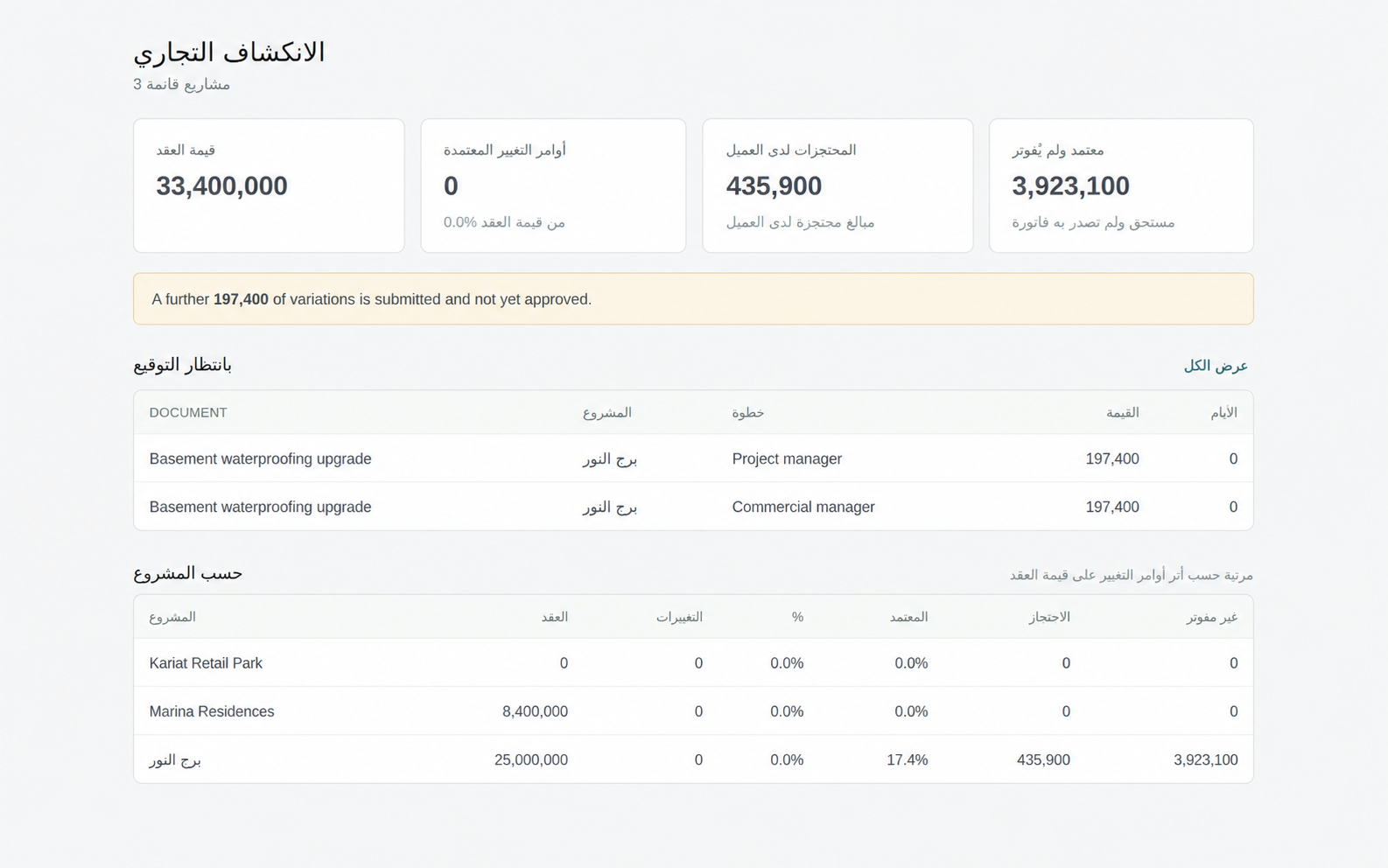
العربية
The interface runs right-to-left — navigation, tables, forms and reports — rather than Arabic words poured into a layout built for English.
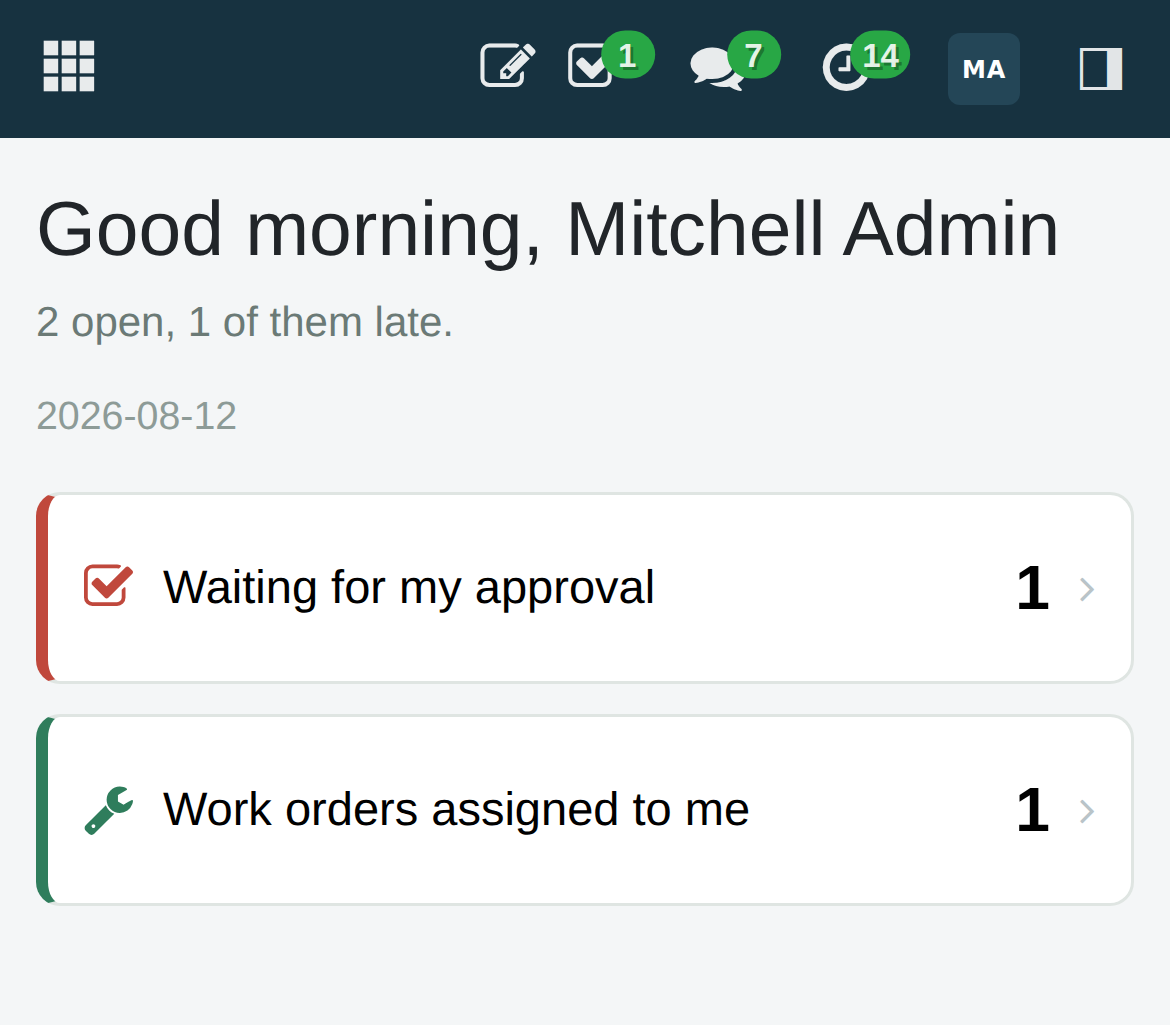
One prioritised queue for whoever opens it: approvals waiting on you, actions running late, the defects and inspections assigned to your name.